How to boot Ubuntu
Step1:
Go and download the latest version from the below link
https://ubuntu.com/download/desktop
Hint: Intel or AMD 64-bit architecture
Step2:
Download rufus from the below link
Step3:
Add the pen drive to your laptop
Open the Rufus and click on SELECT and load the downloaded Ubuntu file.
Make sure Persistent scheme should be MBR and you will get an alert like your
existing data will be destroyed from the drive. Please accept it and click on start button.
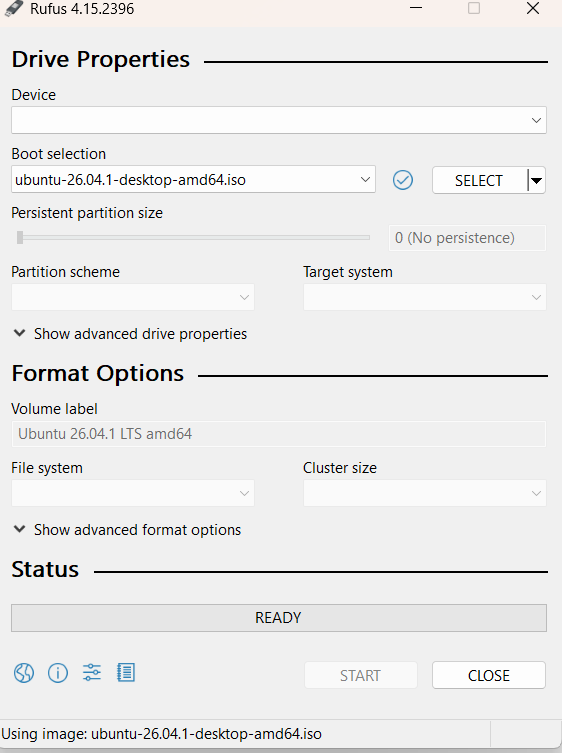
After that your drive(D) will have Ubuntu file and check your drive system as shown below
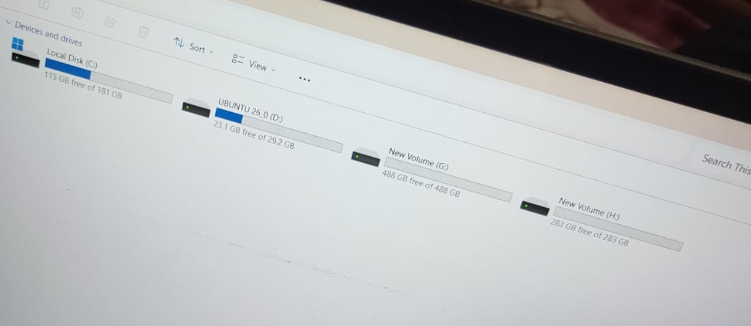
Step4:
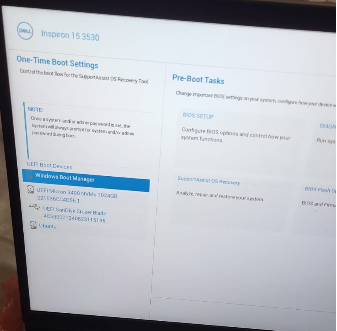
Restart your laptop and press F12 until you get below window then click on your
drive
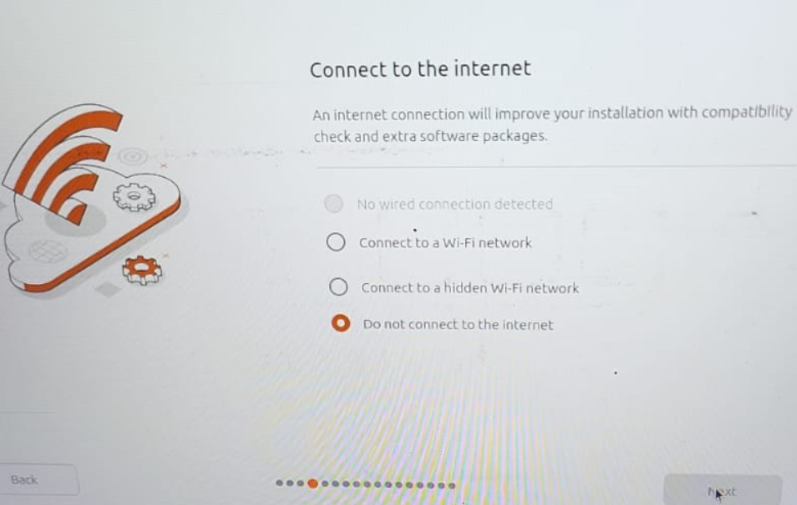
Click on next and select the connected Wi-Fi network
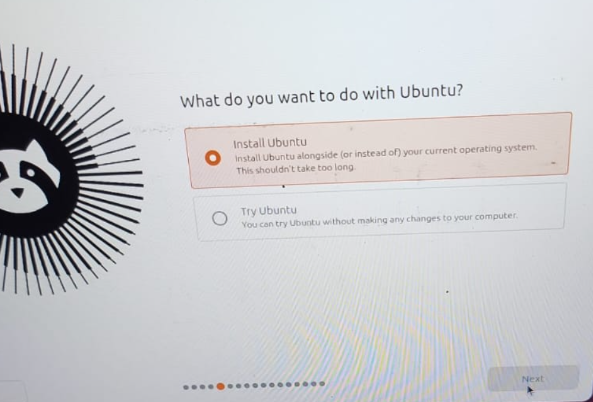
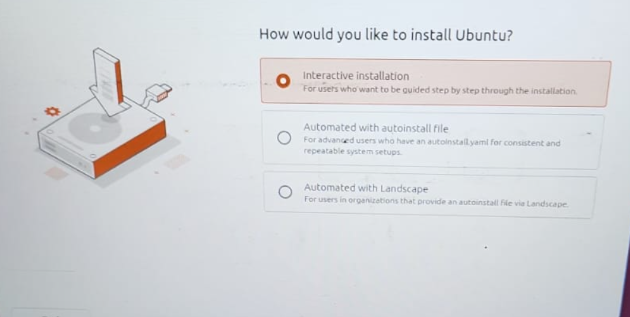
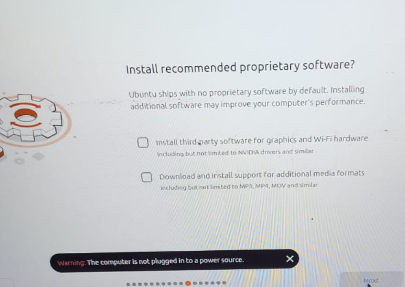
Select both the check box from below
final step:
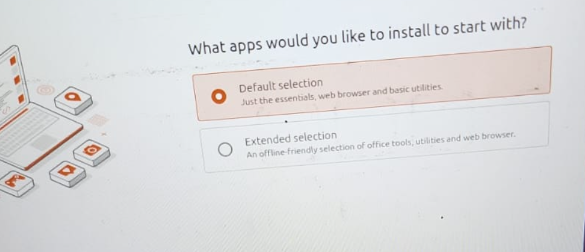
Keep it as default and click on next
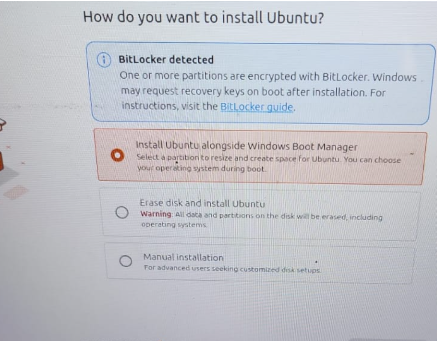
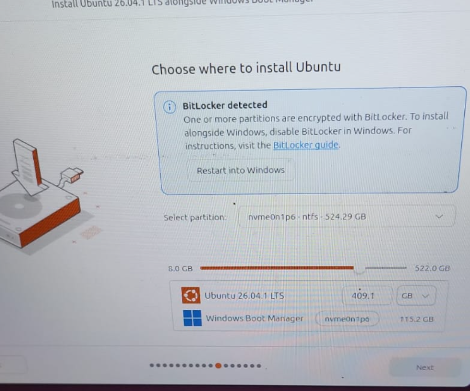
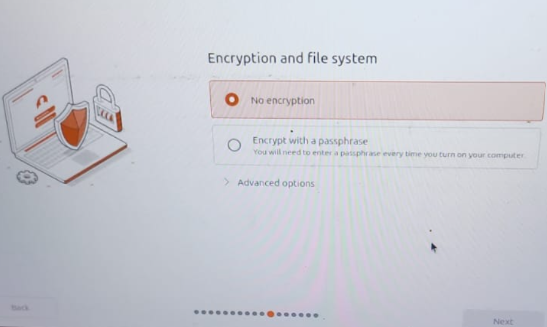
Enter your details
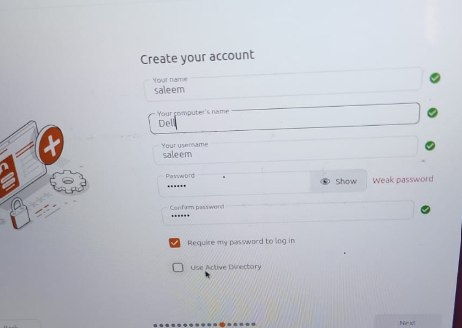
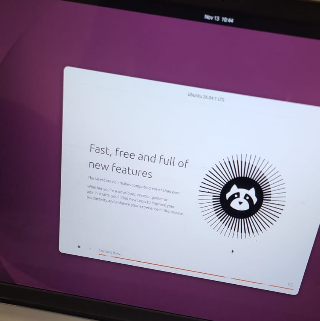
Your Ubuntu OS is ready to use now:\
Comments
Join the discussionNo comments yet. Be the first to comment.